ds-blue-logo
sw-logo

The SOLIDWORKS User Forum

24/7 Help for SOLIDWORKS Users

Use your SOLIDWORKS® or 3DEXPERIENCE® ID to log in

Log In or Join

Learn, Engage, Discover, and Share SOLIDWORKS Knowledge

Ask Questions

Post your questions and get real answers fast from SOLIDWORKS experts.

Share What You Know

Answer questions, share your knowledge.

Engage, Network, Be Inspired

Connect with SOLIDWORKS users around the globe, share your passion and experience with product design and CAD.

“The SOLIDWORKS User Forum is a wealth of knowledge. There are many Users that are on all the time and they're going to quickly answer your question. Don't be afraid to research your question – chances are someone has already asked it and it's floating out there.”

– Betty Baker, Product Coordinator, User Group Leader and Youth Mentor
“I originally used the SOLIDWORKS User Forum to learn new tips and tricks and find solutions to problems for myself and my co-workers. I eventually transitioned to answering more questions than I was asking or searching for.”

– Eric Beatty, Designer, SOLIDWORKS Champion and Power User
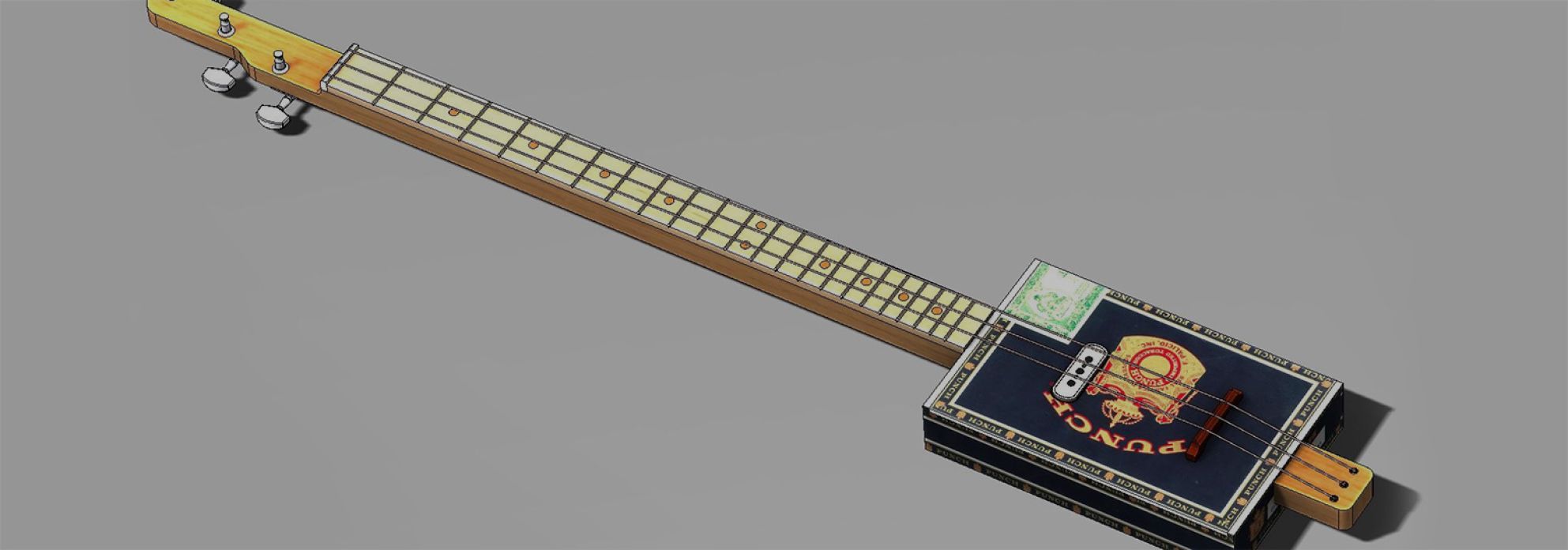
“I've been on the SOLIDWORKS User Forum for many years, both learning and helping. Originally, you go looking for answers, but then you dive in to a question that gets you interested and you start to reply. Then people start to be thankful for helping them out – and I hate to see people struggle.”

– John Matrishon, Designer, SOLIDWORKS User Group Leader, Cigar Box Guitar Extraordinaire

What is Happening in the Community

Learn, engage, discover, and share knowledge with other SOLIDWORKS users about 3DEXPERIENCE Works, desktop, cloud-connected, or pure cloud. Read some sample SOLIDWORKS User Forum community posts below.

The User Forum Is Accessible From Inside SOLIDWORKS
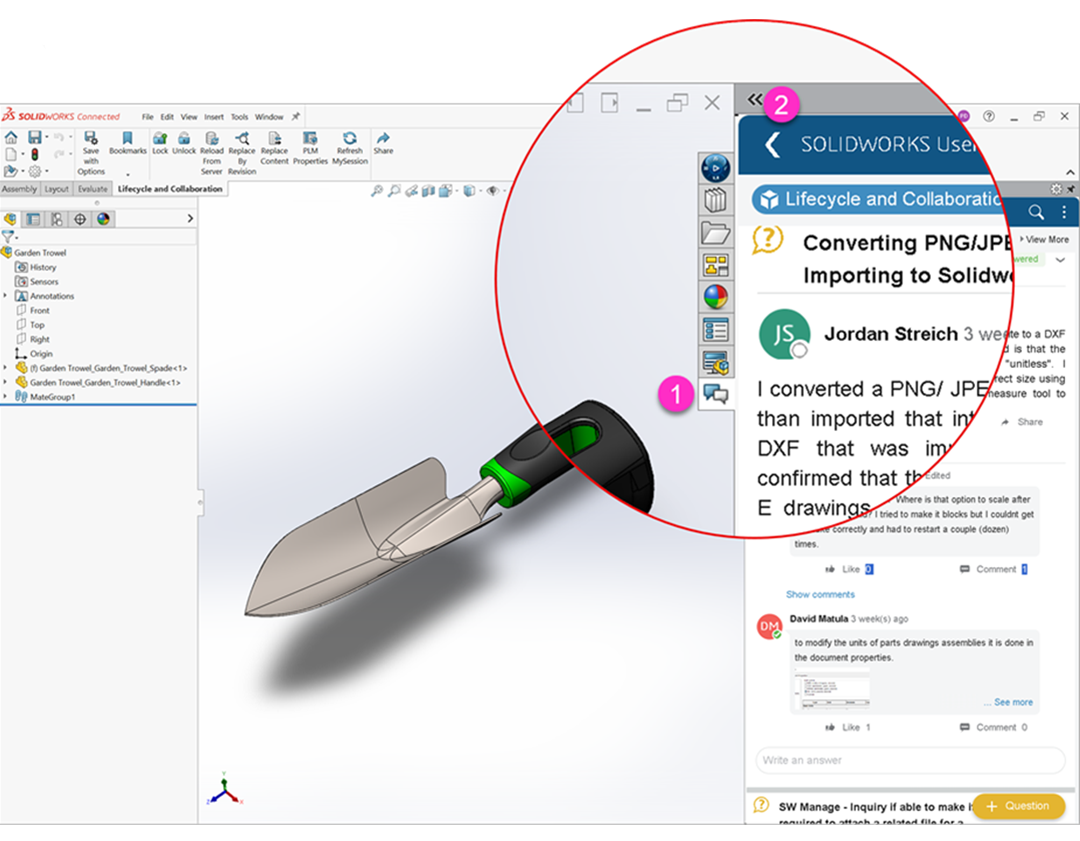
Unlock Instant Access to the Expertise of the SOLIDWORKS User Community.

Best way to loft faces?

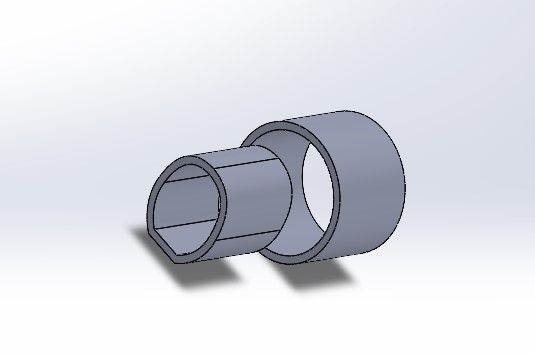
Dear community, what would be the best way to loft the circular face onto the elliptical one (while maintaining a wall thickness of 2.5mm)?

Supress part of a sketch

Is it possible to configure a part by suppressing only certain parts of a sketch?

FAQ

Yes! Login to the User Forum with your existing 3DEXPERIENCE® ID or SOLIDWORKS® ID and immediately begin discovering, learning, sharing, asking questions.
If your first time accessing the User Forum, click the registration link, fill out the several required fields, establish a password, process the verification email that you receive and that’s it - you will then be able to log in to swym.3ds.com and participate.
This community of worldwide SOLIDWORKS experts is available 24x7 for you to ask questions, get answers to challenges you may be facing with your own use of SOLIDWORKS, meet many other passionate SOLIDWORKS Users from around the world that share your interest in 2D / 3D CAD design who are more than ready to help you succeed.
Gain networking opportunities that can enhance your professional growth and problem-solving skills within the SOLIDWORKS ecosystem.
From beginners to long-time, seasoned users, you will find REAL people sharing REAL knowledge based upon REAL experiences - not AI-generated slop.

Log in or Join Now to

Ask questions

Share what you know

Learn from other users